
Escape Windows and macOS surveillance. Linux gives you a desktop that respects your privacy, works with your existing workflow, and doesn’t report back to corporations.
Whether you’re a tradesperson, creative professional, or just someone who wants their computer to work for them (not against them), Linux migration is easier than you think.
Migration Guides by Operating System
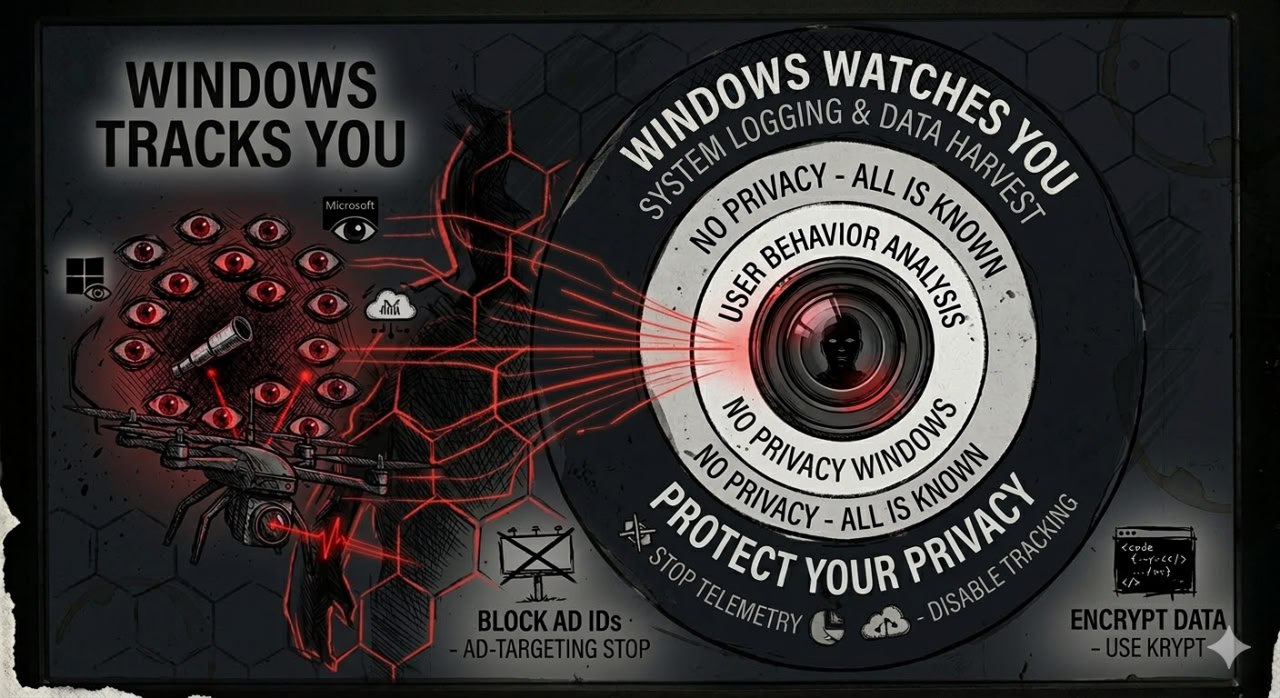
Escaping Windows Surveillance
Windows 11 collects data collection, tracks your activity, and forces updates. Learn why Linux is the only real escape—and how to make the switch without losing your workflow.
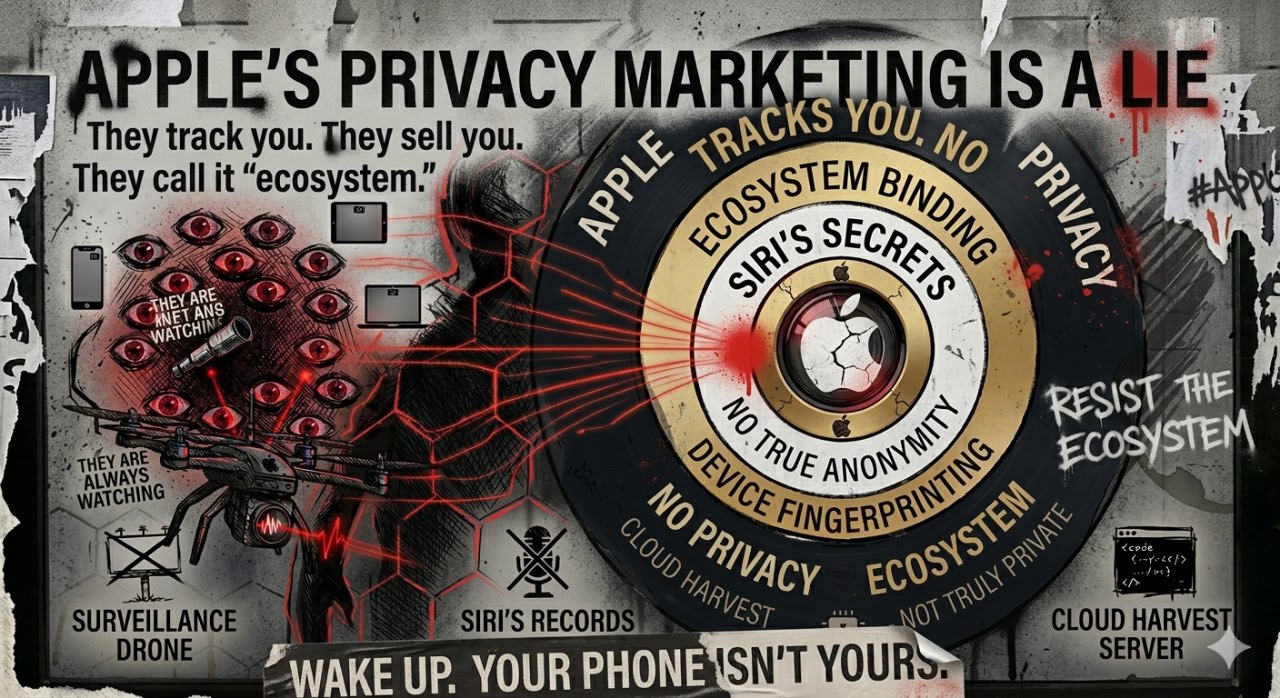
Breaking Free from macOS
Apple’s walled garden looks nice until you realize you can’t truly own your Mac. Discover how Linux gives you the control macOS never will.
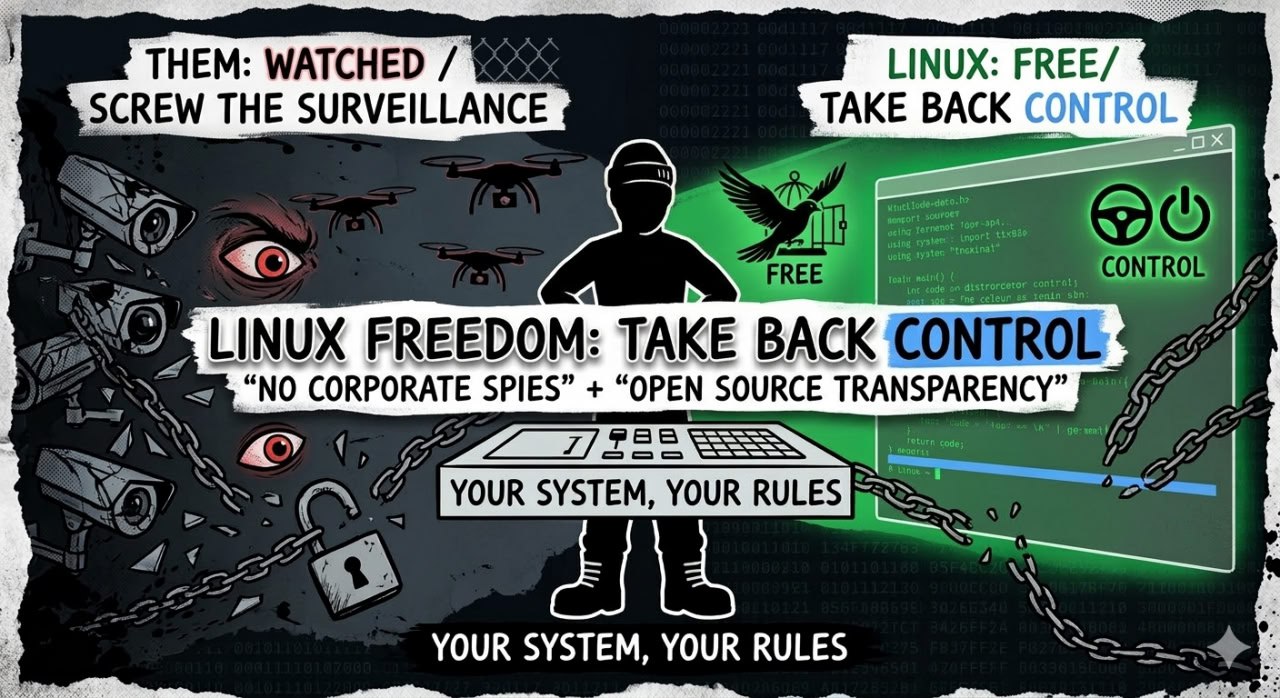
Why Linux for Privacy?
No data collection. No forced updates. No surveillance. Just a rock-solid operating system that respects your freedom. Here’s why Linux is the privacy community’s choice.
Linux Gaming in 2026
Worried about losing your games? Don’t be. Steam Deck runs Linux. Proton makes Windows games work. Here’s the current state of Linux gaming (spoiler: it’s good).
What to Expect
Before Migration
- Backup everything: Full system backup before any changes
- Test drive Linux: Run from a USB stick to try before installing
- Check hardware compatibility: Most hardware works, but verify your specific devices
- Document your workflow: Know which apps you actually use daily
During Migration
- Dual-boot option: Keep Windows/macOS alongside Linux initially
- Data migration: Move documents, photos, and settings
- Software alternatives: Find Linux equivalents for your must-have apps
- Learn the basics: Terminal commands, package managers, system updates
After Migration
- Adjustment period: Expect 2-4 weeks to feel comfortable
- Ongoing support: Active community forums and documentation
- Regular updates: Security patches without surveillance payloads
- True ownership: Your computer finally works for you
Recommended Linux Distributions
For Windows Refugees
Linux Mint: Familiar interface, excellent hardware support, stable and reliable. Best starting point for Windows users.
For macOS Refugees
Zorin OS Pro: For a full Mac-like experience, we recommend evaluating the CAD $77.99 Pro version. It features a professional-grade desktop environment that closely resembles macOS, making the transition smooth for Apple users. The free Zorin OS Core version is also available, but the Pro version is designed for users who want that familiar Mac workflow out of the box. Note: If installing on a 2017 MacBook Air, be aware of NVMe SSD sector size compatibility — Zorin OS handles this well, unlike elementary OS which has a known issue with 4KB sector sizes on these machines.
For Privacy Maximalists
Fedora: Cutting-edge security, strong privacy defaults, backed by a community that takes freedom seriously.
For Gamers
Pop!_OS: Built by System76, optimized for gaming, excellent NVIDIA support, Steam integration out of the box.
Common Concerns Addressed
“Will my Microsoft Office documents work?”
Yes. LibreOffice handles .docx, .xlsx, and .pptx files. For full compatibility, use Office 365 in a browser.
“What about Adobe Creative Suite?”
Adobe doesn’t support Linux officially, but alternatives exist: GIMP (Photoshop), Inkscape (Illustrator), DaVinci Resolve (Premiere). Some professionals use Windows in a virtual machine for Adobe only.
“Can I still use my printer/scanner/webcam?”
Most hardware works out of the box. Check Linux Hardware Database for your specific devices.
“What if I get stuck?”
Linux communities are incredibly helpful. Plus, Privacell offers migration support services if you need hands-on help.
Need Help with Migration?
Privacell offers Linux migration services for individuals and businesses. We handle the technical complexity so you can focus on escaping surveillance.
What we provide:
- Pre-migration consultation and planning
- Hardware compatibility verification
- Full system backup and data migration
- Linux installation and configuration
- Software setup (equivalents for your current apps)
- Post-migration support and training