
Introduction
Windows 11 wants you to think it’s sleek, modern, secure. Bullshit. Behind that shiny screen is a non‑stop data‑vacuum sucking up everything you do—where you go, what you search, who you talk to. And they never really ask permission. This article pulls back the curtain on Microsoft’s tracking machine, shows you why you can’t escape it, and points you to the only real way out: Linux.
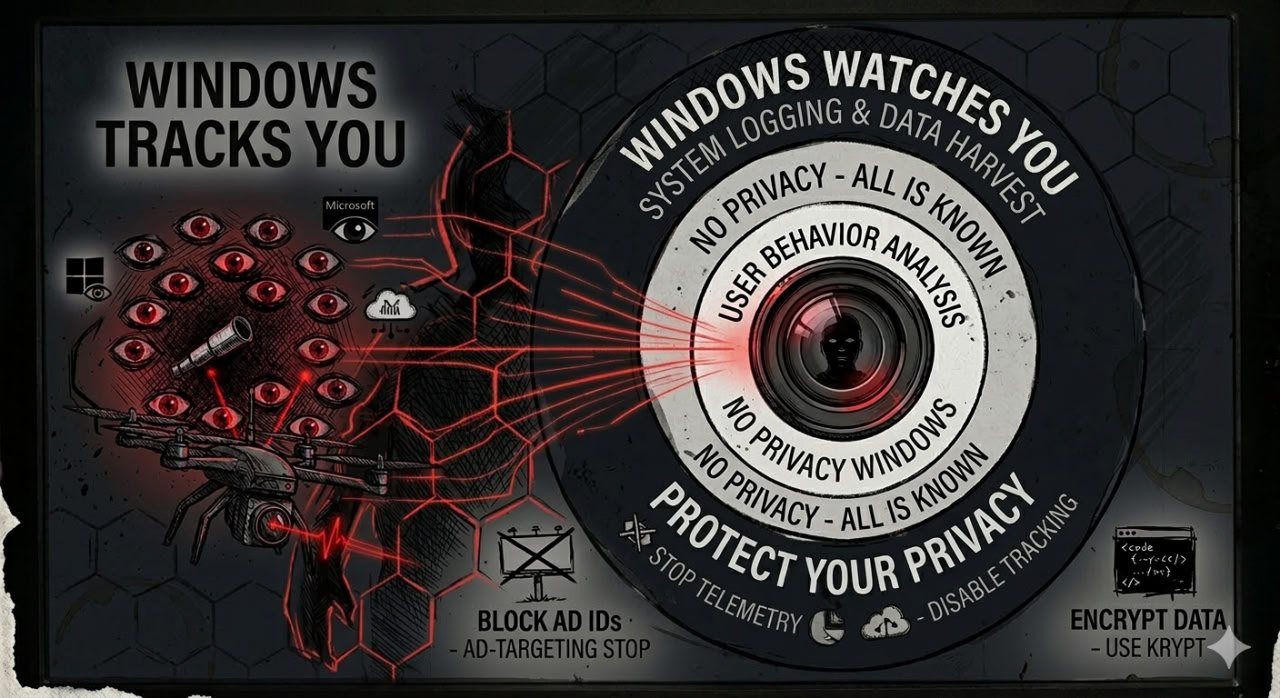
Data Collection Breakdown: Specific Data Microsoft Collects
Microsoft’s “data collection” is just a fancy word for spying. They break it down into categories so it sounds legit, but it’s all about harvesting your life:
- Everything you do — which apps you run, what buttons you click, how long you stare at the screen
- Every time you screw up — crash reports, error logs, performance blips (they call it “diagnostics”)
- Your personal shit — search history, location trails, anything you whisper to Cortana
- Ads, ads, ads — how you use your PC so they can shove more ads in your face
Mandatory Updates: Why You Can’t Opt Out
Windows 11 forces updates down your throat—not just security fixes, but “feature” updates that sneak in new tracking tricks. You can stall for a few weeks, but in the end, you’re forced to swallow them.
This “update‑or‑else” model ensures Microsoft can:
- Push new spyware to everyone at once
- Stop you from clinging to an older, less‑invasive version
- Keep the data pipeline flowing and growing
Microsoft Account Requirement
Windows 11 is pushing you to sign in with a Microsoft account—hard. Yeah, you can still create a local account during setup, but then you lose sync, the Microsoft Store, and a bunch of built‑in apps.
Once you sign in with a Microsoft account, your Windows life gets tied to your identity across Outlook, OneDrive, Xbox—every Microsoft service you touch. They build a full‑on dossier of your digital existence.
Comparison: Windows 11 vs Linux Privacy Features
Here’s the brutal truth—side by side:
| Privacy Aspect | Windows 11 | Linux |
|---|---|---|
| Data Collection | Extensive (data collection mandatory) | None by default |
| Update Control | Mandatory, user‑deferred only | User‑controlled, can skip any update |
| Account Requirement | Required for many features | No account needed |
| Advertising | Yes (personalized ads) | No |
| Source Code | Proprietary, closed | Open‑source, auditable |
Actionable Steps: What Windows Users Can Do Now
You’re not helpless. Here’s how to fight back—right now.
Short‑Term Mitigations
Quick fixes that slap a band‑aid on the bleeding:
- Use ShutUp10++ or WPD to rip out some of Microsoft’s tracking tentacles
- Set data collection to “Basic” (Settings → Privacy & Security → Diagnostics & Feedback) — it’s like turning the volume down on a spy mic
- Use a local account instead of a Microsoft account—don’t give them your name
- Disable Cortana, location tracking, and advertising ID—tell them to fuck off
Long‑Term Solution
The only real way to win:
These band‑aids only slow the bleeding—they don’t stop the spyware. For real privacy, you need to jump ship to Linux. Distros like Ubuntu, Fedora, or Linux Mint are easy to use and put you back in the driver’s seat.
Conclusion
Windows 11 is built for Microsoft, not you. Its tracking is everywhere, mandatory, and hidden. You can slap on third‑party bandaids, but the only way to truly own your privacy is to jump ship to an OS that respects your freedom—Linux.
Your data belongs to you. Take it the hell back.