
Introduction
Linux is the ultimate privacy operating system. No tracking. No telemetry. No corporate spies watching your every move. This article shows you exactly what you control with Linux—and why it’s the only real choice if you want your data to stay yours.
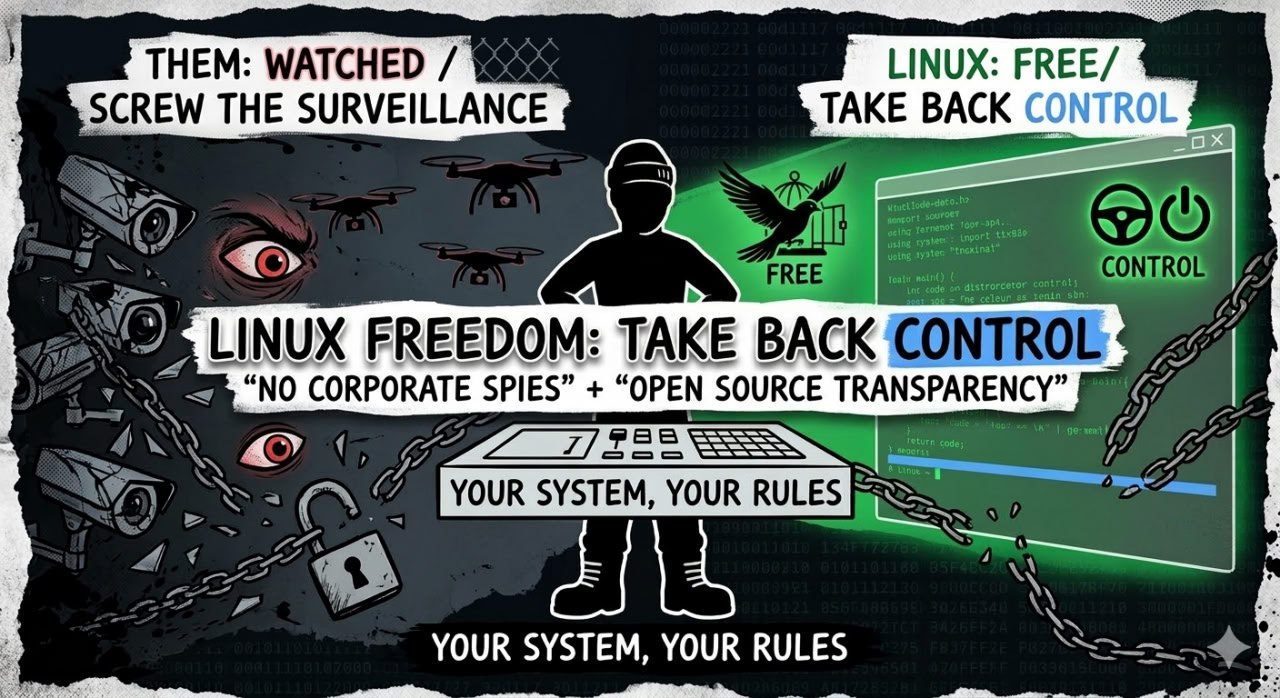
Control Breakdown: What You Actually Control
With Linux, you call the shots. Here’s what you control that Windows and macOS keep locked away:
- Data collection — You decide what’s collected (nothing by default). No hidden telemetry, no silent reporting.
- Updates — You choose when to update, what to update, and whether to update at all. No forced downloads, no sneaky new tracking features.
- Software — You choose what to install. No bloatware, no pre‑loaded spyware, no “suggested” apps you never wanted.
- Configuration — Every aspect of your system is customizable. Privacy isn’t an afterthought—it’s built in from the ground up.
Open Source Transparency: Code You Can Actually Trust
Linux is open source. That means anyone can review the code—no hidden backdoors, no secret tracking modules. Here’s why that matters:
- Anyone can audit the code — Security researchers, privacy advocates, even you (if you’re curious). No “trust us” required.
- Community oversight — Thousands of developers worldwide watch for privacy violations. If something shady appears, the community calls it out—fast.
- No hidden tracking — Because the code is open, there’s nowhere to hide surveillance. What you see is what you get.
Compare that to Windows and macOS: proprietary black boxes where you have zero visibility into what they’re really doing.
Comparison: Privacy Control Levels
Here’s the brutal truth—side by side:
| Privacy Aspect | Windows 11 | macOS | Linux |
|---|---|---|---|
| Data Collection | Extensive (telemetry mandatory) | Extensive (Apple surveillance baked in) | None by default |
| Update Control | Mandatory, user‑deferred only | Mandatory, limited deferral | User‑controlled, can skip any update |
| Account Requirement | Required for many features | Required for iCloud, App Store, many features | No account needed |
| Advertising | Yes (personalized ads) | Yes (Apple advertising) | No |
| Source Code | Proprietary, closed | Proprietary, closed | Open‑source, auditable |
Addressing Fear: Linux Isn’t as Technical as You Think
Linux sounds scary if you’ve never tried it. It’s not. Modern distros are designed for humans, not hackers.
- User‑friendly distros — Ubuntu, Fedora, Linux Mint look and feel like Windows/macOS. You don’t need the terminal for everyday tasks.
- GUI tools for everything — Software stores, system settings, updates—all clickable, no command‑line voodoo required.
- Community support — Reddit, forums, documentation are full of people ready to help. You’re not alone.
You don’t need a computer science degree. You just need the willingness to take back control.
Getting Started: Simple First Steps
Ready to try Linux? Here’s how to dip your toes in without burning your current setup:
Option 1: Try Linux in a Virtual Machine (VM)
Install VirtualBox (free), download Ubuntu ISO, and run Linux inside Windows or macOS. It’s like a safe sandbox—no risk to your main system.
Option 2: Dual‑boot
Install Linux alongside Windows/macOS. At boot, you choose which OS to start. You keep your old system for a safety net.
Option 3: Live USB
Burn Ubuntu to a USB stick and boot from it. Test Linux without installing anything. If you like it, install; if not, reboot and remove the USB.
Conclusion
Linux is the only operating system that treats your privacy as non‑negotiable. No telemetry, no tracking, no corporate spies. You get complete control over your data, your updates, your software, and your hardware.
Your data belongs to you. Take it the hell back.